
Get Started With Rev
See how Rev works and where it fits into your workflow. Whether you learn best by watching or reading step-by-step support articles, we've got you covered.
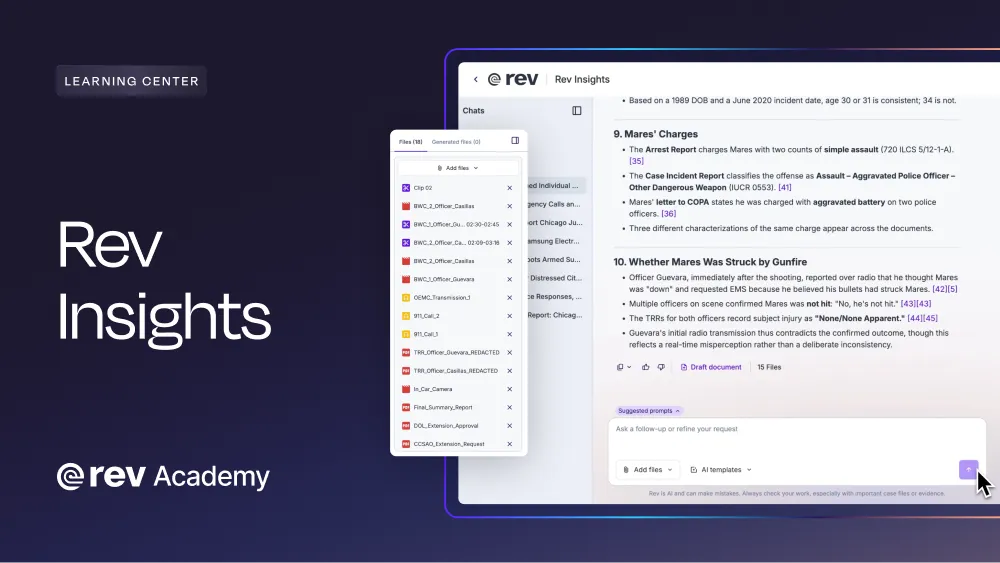
Analyze Every File In The Case At Once
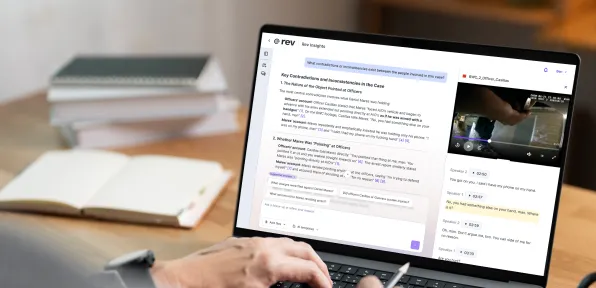
Ask questions across your full evidence set and get answers cited back to the exact source.
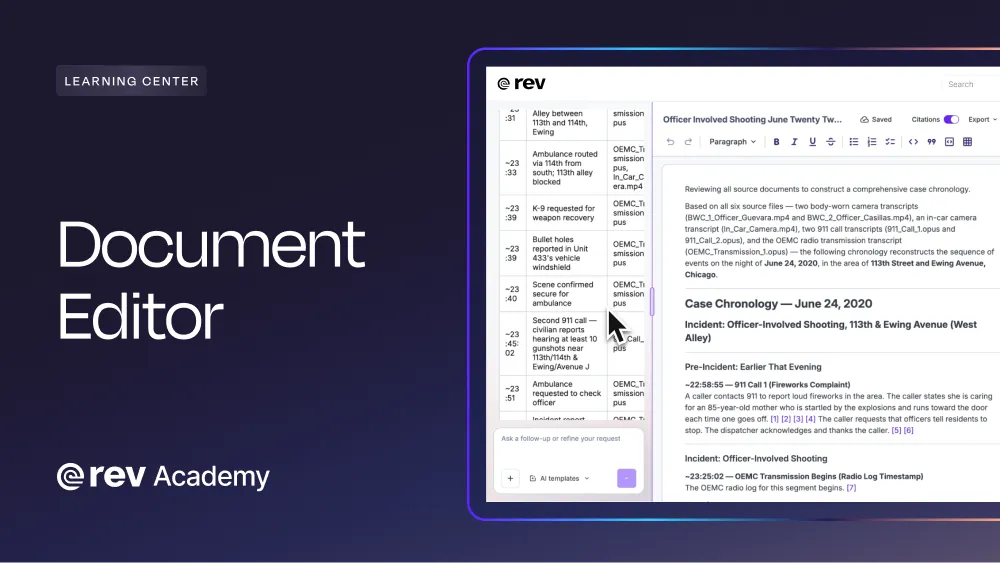
Draft Case Documents Without Leaving Rev
Write and edit in the platform, then export to Word or PDF with your citations intact.
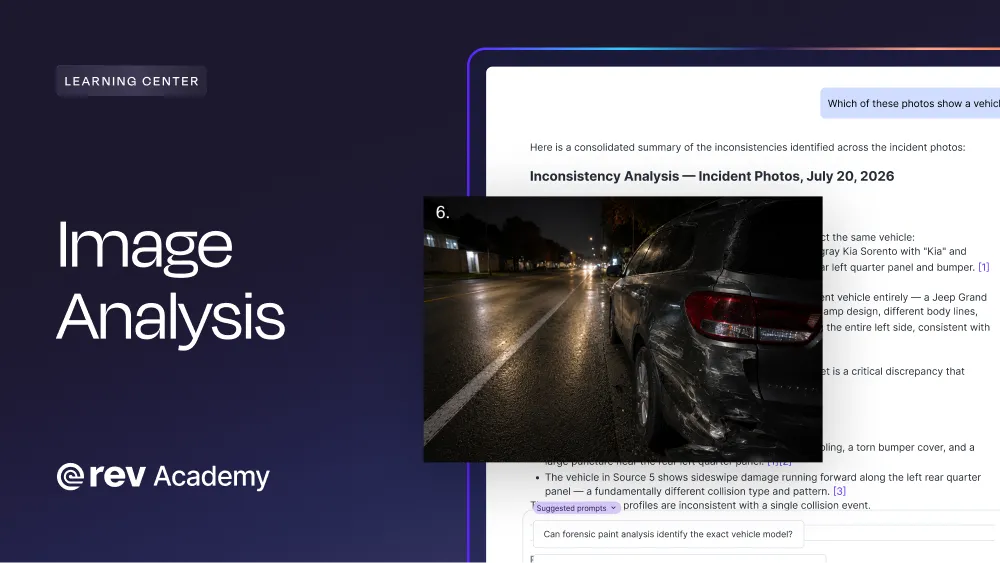
Find Any Person Or Detail Across Your Case Photos
Search your images the same way you search your files.
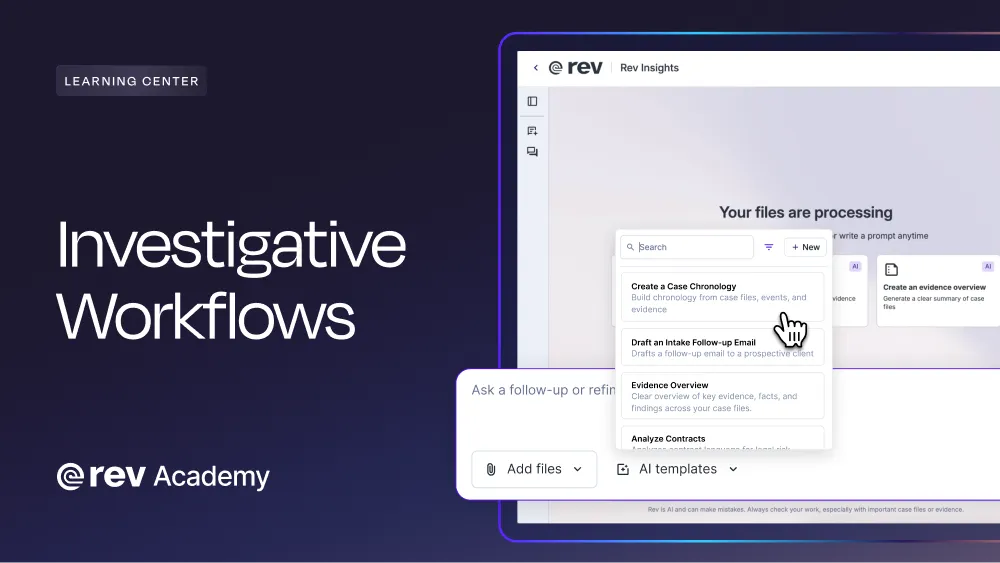
Run Your Workflow From A Template
Chronologies, affidavits, summaries, and your own formats, built once and reused on every case.
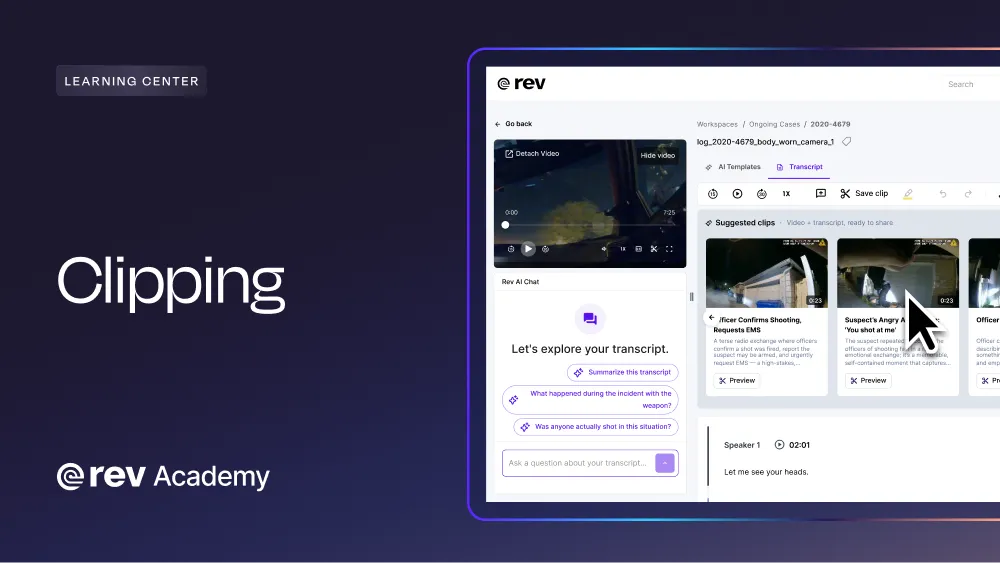
Clip Key Moments From Your Recordings
Pull clips to the second for case exhibits.
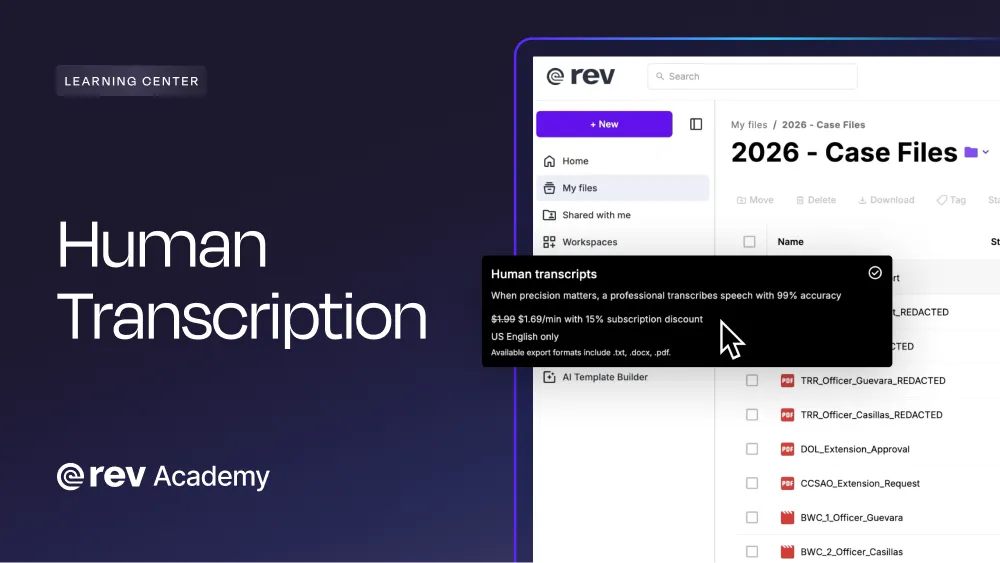
Upgrade Any File To Human-Verified Transcription
99%+ accuracy in 12 hours or less, for the transcript that has to hold up.
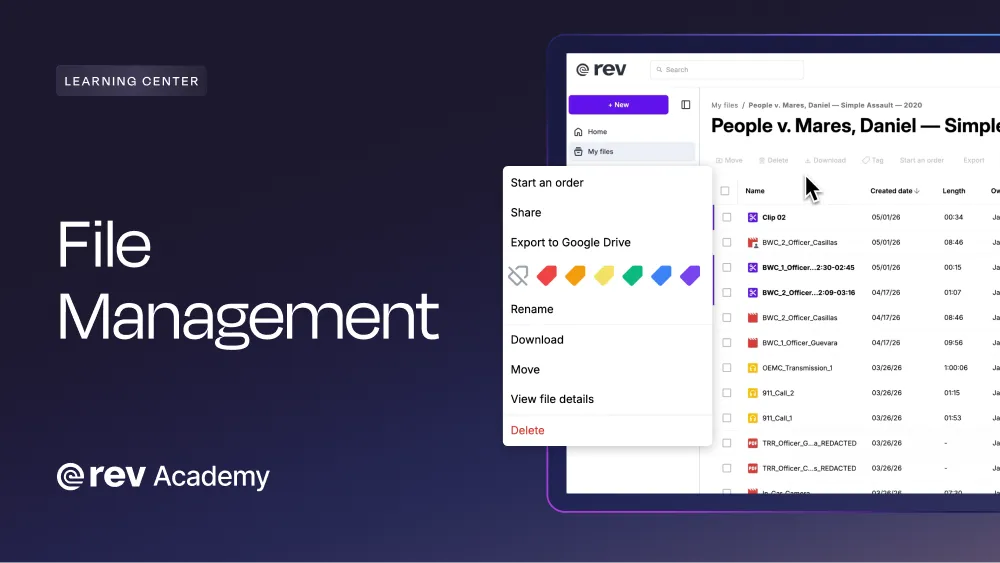
Keep Every File Organized
Sync from Clio, Google Drive, or upload zip files, then color tag files so nothing gets lost.
Need More Help?
Frequently Asked Questions
What Is Rev?
Rev is an investigative platform that turns your case evidence (audio, video, images, and documents) into a searchable, citable record. Every recording is timestamped and searchable to the second, backed by legal transcription services built for the hardest audio environments. Instead of scrubbing back and forth through recordings or documents, you can search across all your case files at once, whatever the format, find the moment you need, and create a document from it: a report, a motion, a case summary, all with the exact citation to the evidence attached.
How Much Does Rev Cost?
Rev’s Investigative Platform is subscription-based, with pricing ranging from free plans to $59.99/seat/month, to custom-built for teams that require higher security and need a workflow specialist assigned to their account. How much you’ll pay depends on a variety of factors, including number of seats, transcription minutes needed, and how many files you want to analyze at once. Paid plans also include a discount on human-verified transcription. See pricing →
If you're not sure which structure fits, we can build a custom plan for you, or you can talk to a workflow specialist who'll walk you through the options. Talk to a specialist →
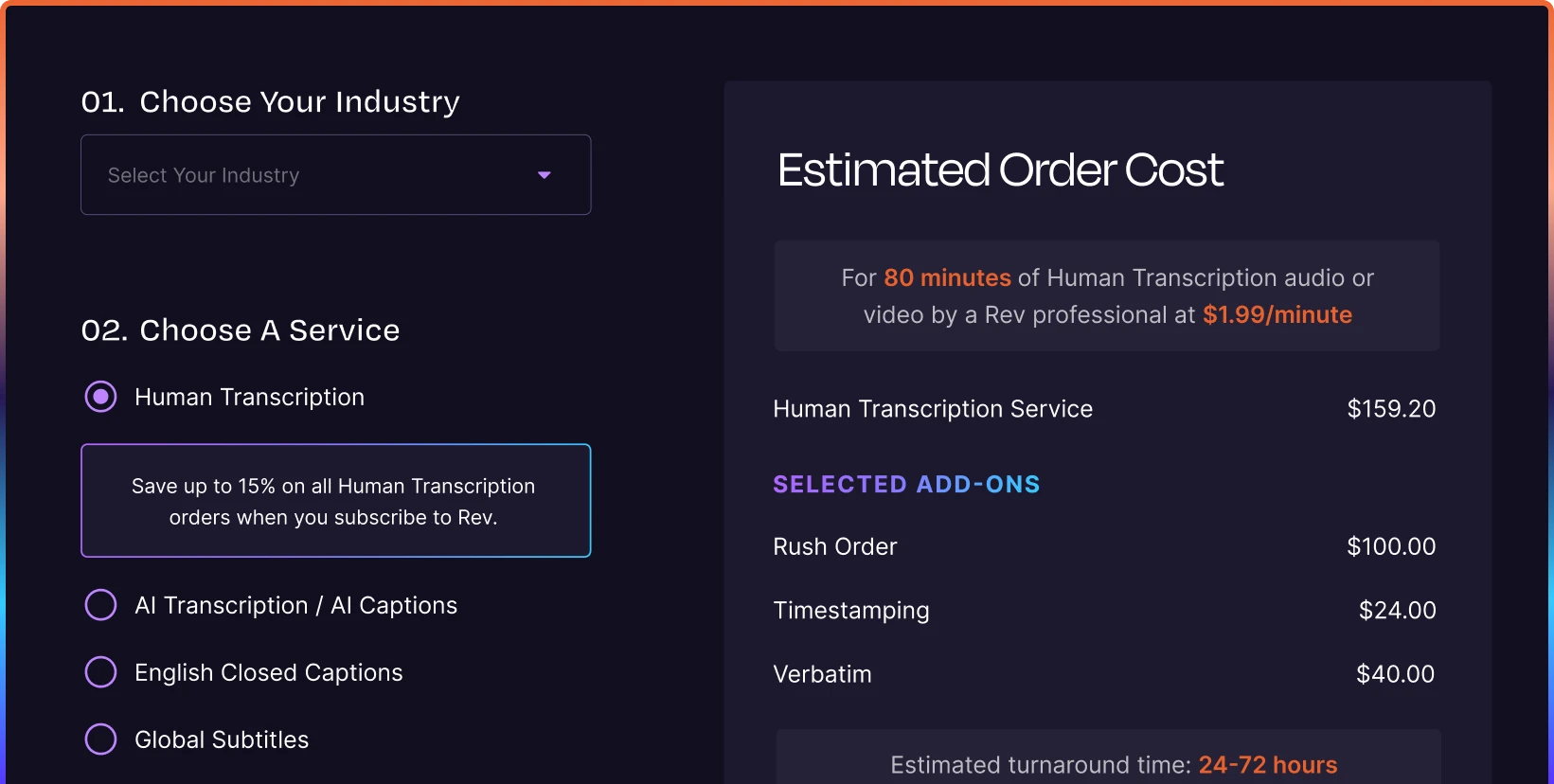
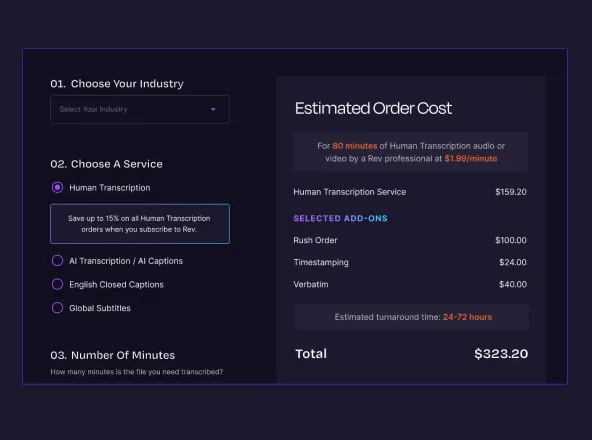
Interested in a la carte services? Our pricing starts at $0.25/min for AI transcriptions or captions, $1.99/min for human transcriptions or captions, $6.49-15.99/min for global subtitles (pricing dependent on language needs). See how much you’d pay with our pricing calculator.
What Services Does Rev Offer?
Human-verified services are also available a la carte: AI and human transcription, legal transcription, AI and human captioning, and global subtitle translation. Subscribers get discounted rates on human-verified services, with the exception of legal transcription.
What Kinds of Files Can I Upload?
Does Rev's AI Hallucinate?
What's the Difference Between AI and Human Transcription?
The main differences between AI and human transcription are the accuracy and turnaround times. With Rev, AI transcription is included with every subscription and returns a 96%+ accurate transcript in minutes. Human transcription is also available for challenging audio, tough accents, or when accuracy has to be 99%+ guaranteed (plus, get a discount on human services on every paid plan).
Is My Evidence Secure, and Who Can Access It?
Rev is SOC 2 Type II audited, GDPR compliant, and we offer CJIS- and HIPAA-compliant environments on Unlimited plans. Files are encrypted in transit and at rest, never public or findable through search engines, with permissions set file-by-file or at the workspace level. Your content is never sold to third-party LLMs. See our full security approach →
How Long Does Rev Take To Transcribe Audio Or Video?
Can I Delete My Files And Transcripts From Rev?
Who Sees My Files if I Order Human Transcription?
What Languages Does Rev Support?
Rev supports 37+ languages, including Spanglish. Coverage depends on the service:
- AI transcription & captions: 37+ languages
- Human transcription: English
- Human captions: English and Spanish
- Global subtitles: 17+ languages:
Visit our support portal to view our full list for Available Languages.