
How to Transcribe Phone Calls in 4 Simple Steps
If you still want to record phone calls for free with the option to transcribe them using Rev's services, here's what you can do.

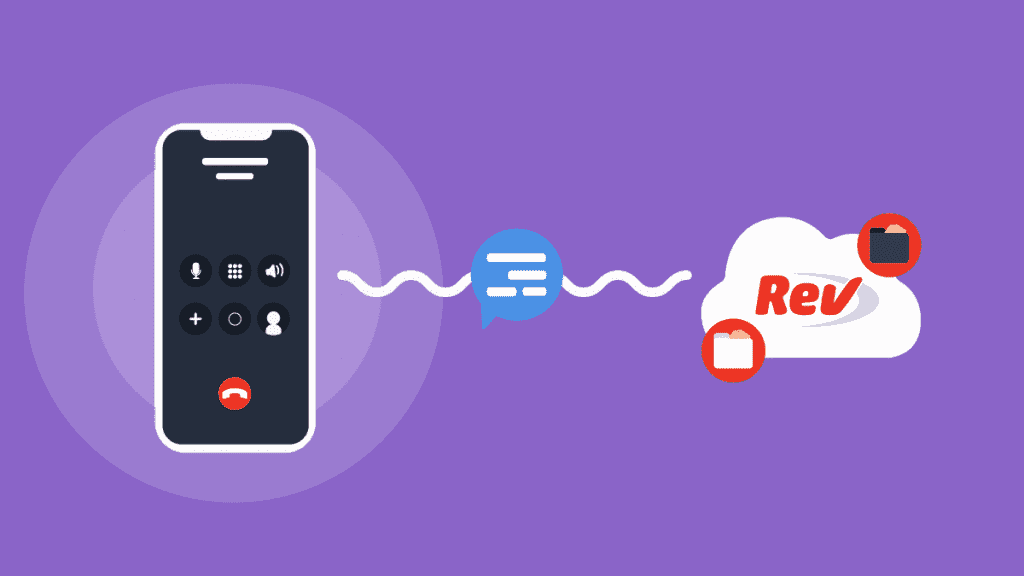
There are a variety of options when you’re looking to record a phone call, including apps and voice recorders. We’ll show you one of our favorite easy options for recording and transcribing phone calls.
If You’re an Android User, or Already Have Your Call Recorded
You can export your recordings as an audio file and get them transcribed with Rev audio transcription services. To Transcribe Your Call Recording to Text:
1. Export your recordings from your call recording app (if you haven’t already)
First, you'll need to download your recorded call from whichever call recorder app you used. The most popular ways to transfer recordings to your computer or mobile device are by email, Dropbox, or Google Drive.
2. Go to the Rev transcription page
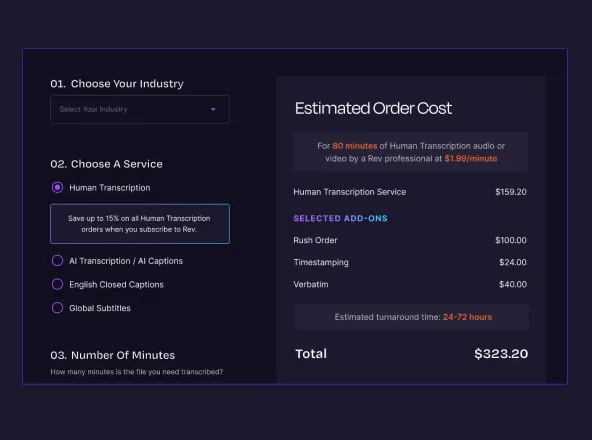
Rev has a couple of options for call recording transcripts. You can select professional transcription services done by humans, or automatic transcription powered by AI. Our professional service is more accurate and guarantees 99% accuracy for $1.99 per minute, and our automatic service is cheaper but slightly less accurate ($0.25 per minute).
3. Create a Rev account
Create an account to get started!
4. Upload your call recording, and select additional transcription options
You can either upload the call recording audio file, or paste a URL link to your call recording file on DropBox, Google Drive, or other storage location.
For additional transcription options, you can select “Rush My Order” for faster transcripts, “Verbatim” transcription for transcribing every single word (we normally leave out words like “um”, “uh”, etc.), or “Timestamping” to timecode your transcripts.

5. Checkout and receive your phone call transcript within a few hours
You will receive your transcript as quickly as possible, and can edit in in our world class Transcript Editor.
Need more help? Check out our guide on how to convert voice recordings to text.

.webp)