









Featured Posts
Most Recent
How to Add Closed Captions & Subtitles to Teachable Online Course Videos
Learn how to add captions & subtitles to Teachable videos. Teachable has become a significant education tool as the virtual classroom has taken on new importance.
How to Add Captions and Subtitles in Lightworks Like A Pro
Learn how to manually add closed captions and subtitles to your video and film projects in the Lightworks editor with Rev caption files.
Step-By-Step Guide to Make a Video on Google Classroom With Ease
Find out how to make & upload a video to Google Classroom for your online courses. Also find out how to add captions & subtitles to improce video accessibility.
Meet a Revver: a Digital Nomad’s Dream Come True
Tell us about yourself. I'm from Dallas, Texas originally. About two and a half years ago, I moved to Argentina. It had always been a dream of mine.
.webp)
11+ Legal Tech Conferences to Attend in 2026
Legal tech conferences can introduce your firm to new, cutting-edge technology that will help you deliver better results at a faster pace. Let’s look at some important upcoming law events.
Legal Subscription Services Better Than ChatGPT Wrappers
Legal subscription services can’t just be ChatGPT in shiny wrappers; they need to truly understand and integrate with what attorneys need. Here’s our guide to the best.
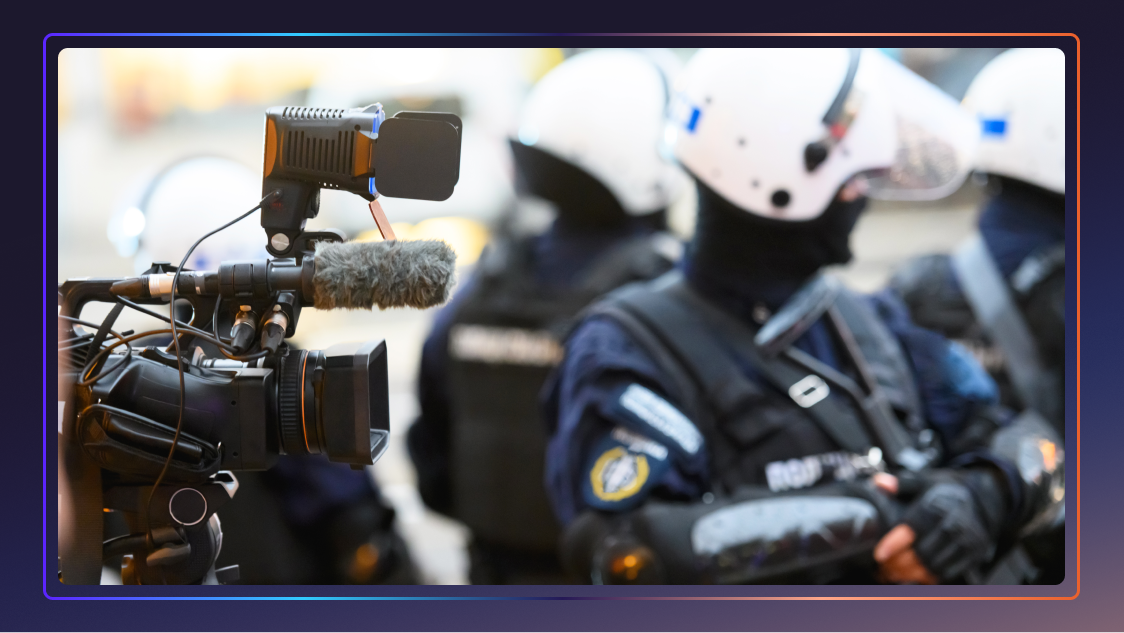
The Police Shortage Crisis: Can AI Bridge The Blue Line?
Learn how AI tools are addressing the police officer shortage by helping with digital evidence management, law enforcement transcriptions, and more.
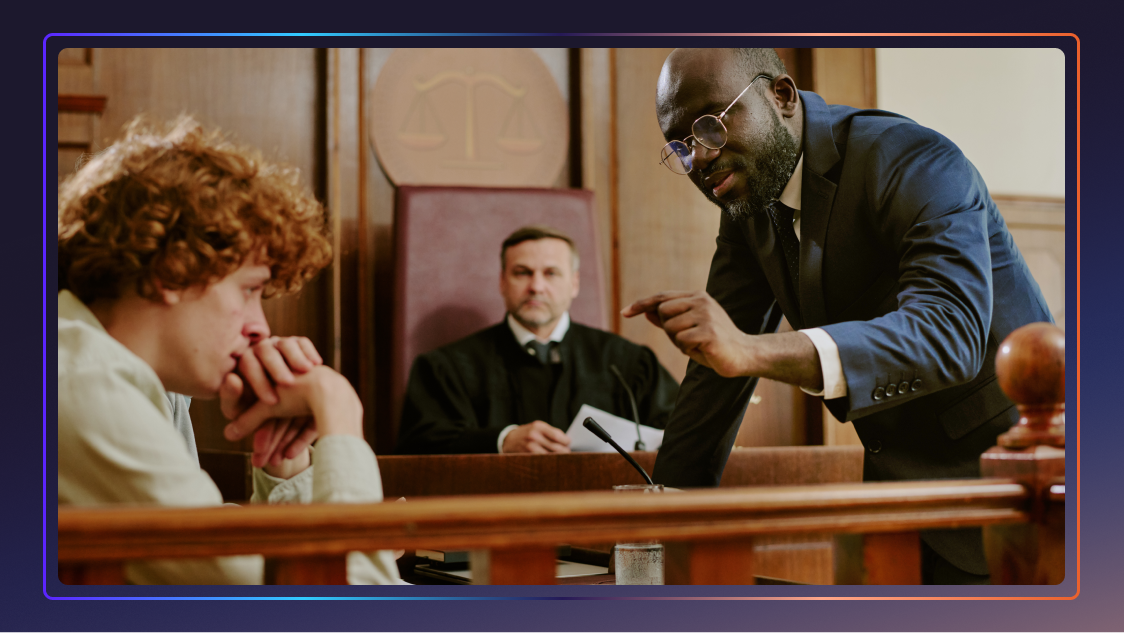
Cross-Examination: Questions That Control The Courtroom
In this guide, we explore the most effective cross-examination question types and share advanced techniques to help you command the courtroom with confidence.

42 Criminal Justice Statistics for the United States
The American criminal justice system is vast and ever-changing, with technology and reforms being introduced every day. Let’s look at some key criminal justice data.

58+ Chatbot Statistics That Demonstrate The Future of AI
The popularity of AI chatbots for businesses and beyond doesn’t seem to be slowing down. Let’s look at some statistics that cover the popularity, use cases, and future of AI chatbots.

60% of Americans Get Their Legal Knowledge From Media Consumption
A new survey reveals what Americans think lawyers do, spotlighting the growing need for solutions that close the gap between legal reality and public perception.

4 in 5 Legal Professionals Are Burned Out: Can AI Be the Lifeline?
New report: 4 in 5 lawyers experience burnout. Learn how overwhelming workloads lead to stress and how AI is helping legal professionals find balance.
How to Transcribe Video Files to Text
Learn how to transcribe a video file to text online using Rev's professional transcription services. Rev also offers automatic transcription for videos.
What is a Timecode Generator and Which is Best For You?
Syncing audio and video tracks are an essential part of the film, television, and recording industry. Generate timecodes for any file with Rev’s transcription services.
How to Order Transcripts Online
Order transcripts of audio files, video files, or web content. Rev offers 99% accurate transcription services with quick turnaround times.
How to Add Captions & Subtitles to Poly Recordings
This article will focus on how leaders can use Polycom® RealPresence® to capture video meetings, record them, and add captions or subtitles.

La Nina Winter Ahead Transcript
WOTG weather experts speak on the La Nina conditions. Read the transcript here.

The Queen's Coronation Day Speech Transcript
Following her coronation on 2 June 1953, Her Majesty The Queen reflected on the events of the day, thanked the public for their support and promised to serve the Commonwealth and Empire. Read the transcript here.

April 21, 1947 – Princess Elizabeth’s Incredibly Powerful 21st Birthday Message Transcript
Speaking from South Africa on the occasion of her 21st birthday in 1947, Princess Elizabeth dedicates herself to the service of the Empire and calls upon its young people to support her in the endeavor. Read the transcript here.

The Queen's Christmas Broadcast 1952 Transcript
After her Accession on 6 February 1952, The Queen broadcasted her first Christmas Message live on the radio from her study at Sandringham, Norfolk. Read the transcript here.

Apple's iPhone 14, 14 Plus, 14 Pro and 14 Pro Max announced Transcript
Apple has unveiled four new iPhone 14 models at its annual September event: the iPhone 14, 14 Plus, 14 Pro and 14 Pro Max. Read the transcript here.

Queen Elizabeth II dies at age 96 Transcript
Martha MacCallum reports on Queen Elizabeth’s life and legacy after her peaceful passing at 96 years old. Read the transcript here.
Subscribe to The Rev Blog
Sign up to get Rev content delivered straight to your inbox.