








Rev Blog
.webp)
Featured Posts
Most Recent

How to Transcribe Phone Calls in 4 Simple Steps
If you still want to record phone calls for free with the option to transcribe them using Rev's services, here's what you can do.
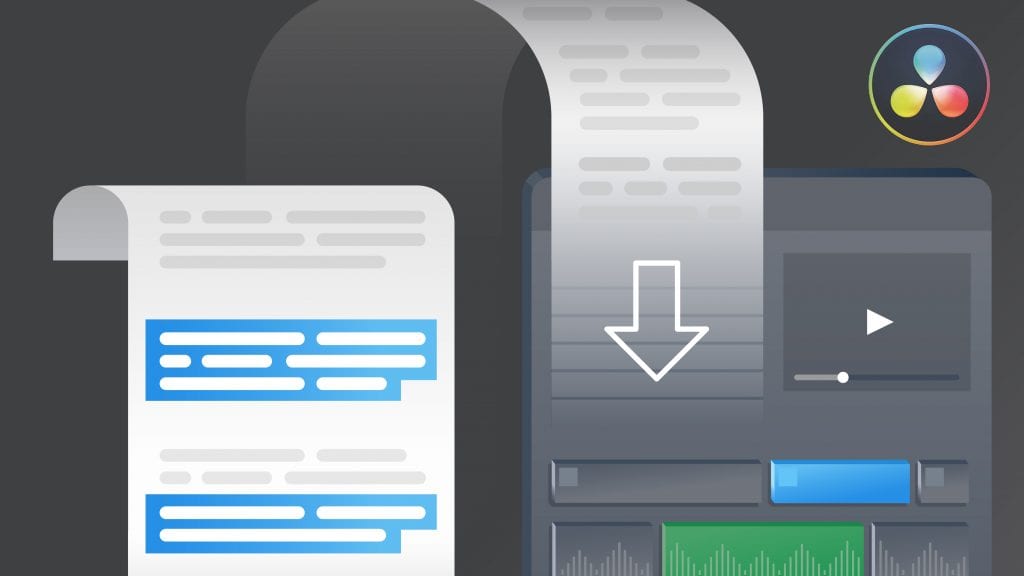
How to Import an Edit Decision List (EDL) into DaVinci Resolve Studio
In this guide, we’ll cover how to import an EDL into DaVinci Resolve Studio, and how Rev's transcript editor can help you get the job done.
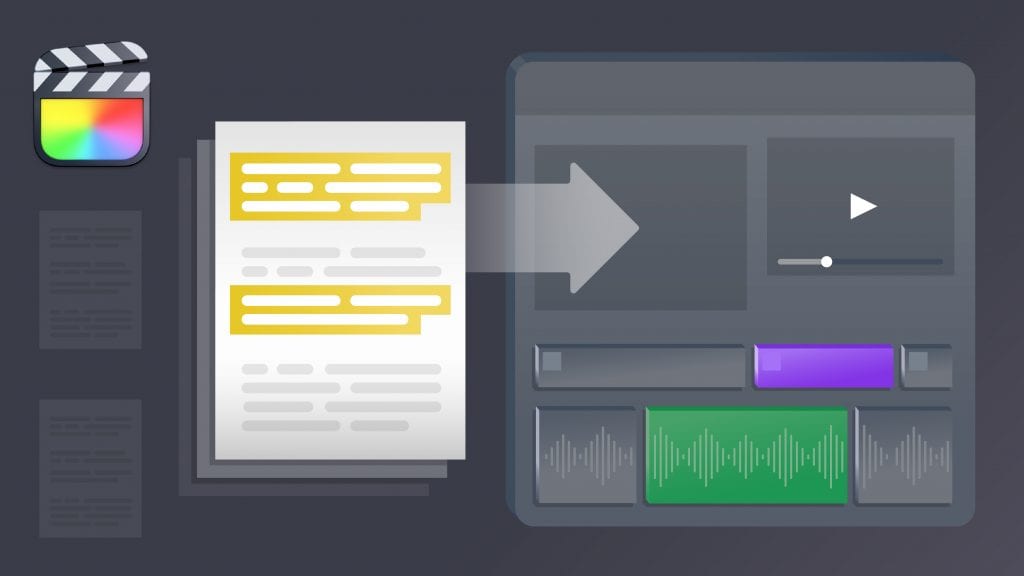
How to Import an Edit Decision List (EDL) into Final Cut Pro X
Learn how to pull selects from a Rev Transcript, export an Edit Decision List (EDL), and make a selects sequence in Final Cut Pro.
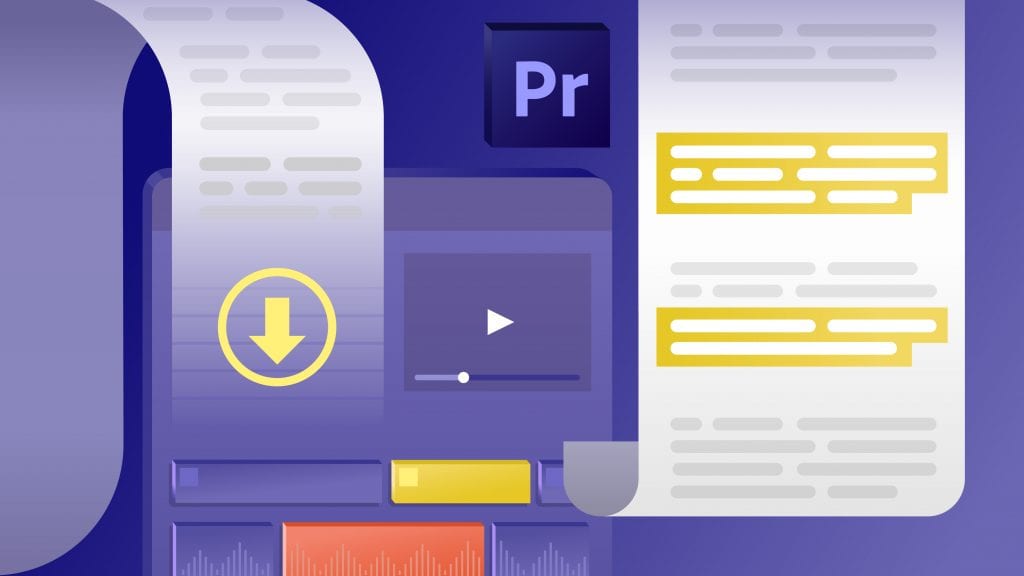
How to Import an Edit Decision List (EDL) into Adobe Premiere Pro
Learn how to pull selects from a Rev Transcript, export an Edit Decision List (EDL), and make a selects sequence in Adobe Premiere Pro.
.webp)
11+ Legal Tech Conferences to Attend in 2026
Legal tech conferences can introduce your firm to new, cutting-edge technology that will help you deliver better results at a faster pace. Let’s look at some important upcoming law events.

Reasonable Doubt: Definition, Burden, And Strategies
Understand what reasonable doubt means, the prosecution’s burden of proof, and how defense attorneys identify doubt in complex criminal trials.

Upgrade Police Evidence Management With Technology
Inefficient police evidence management isn't just a workflow issue—it's a barrier to justice. Luckily, technology is here to help. Click to learn more.
.webp)
Best Harvey AI Alternatives for Attorneys (+Accuracy Comps)
The best legal AI tools help attorneys address specific needs, optimize firm workflows, and improve client cases. See how these Harvey AI competitors compare.

40 Lawyer Statistics + Facts That Might Surprise You
Lawyer statistics ranging from demographics to legal technology to future trends are collected in this comprehensive look at legal facts by Rev.

2025 Court Reporting Industry Trends: What Lawyers and CRAs Need to Know
Understand the stenographer shortage, the rise of digital solutions, and key insights from the AAERT report. Plus, learn how Rev’s tech can help.
The 2025 Legal Tech Survey
Discover key insights from Rev's comprehensive 2025 Legal AI Survey revealing how the profession is embracing AI.

Rev + ASR: An In-Depth Look
Explore key insights from Rev's State of ASR Report, highlighting accuracy, benchmark results, and trends in speech technology.
Digital Transcription Services vs. Traditional Transcription
Rev's digital transcription service lets you spend less time transcribing and more time doing what you do best – running your business.
What Is a Language Model Is Used in Speech Recognition?
Language models are an extremely important part of a speech recognition model. Great speech to text AI requires a great language model, learn more here.
Transcription Tools: Learn About Rev’s Free Tools for Transcripts
Learn about all of the free transcription tools that Rev offers with its world class transcription services & software.
How to Set Up the Rev.com API in Postman
With our complete, step-by-step guide to how to set up the Rev.com API, you can start ordering transcriptions in no time!
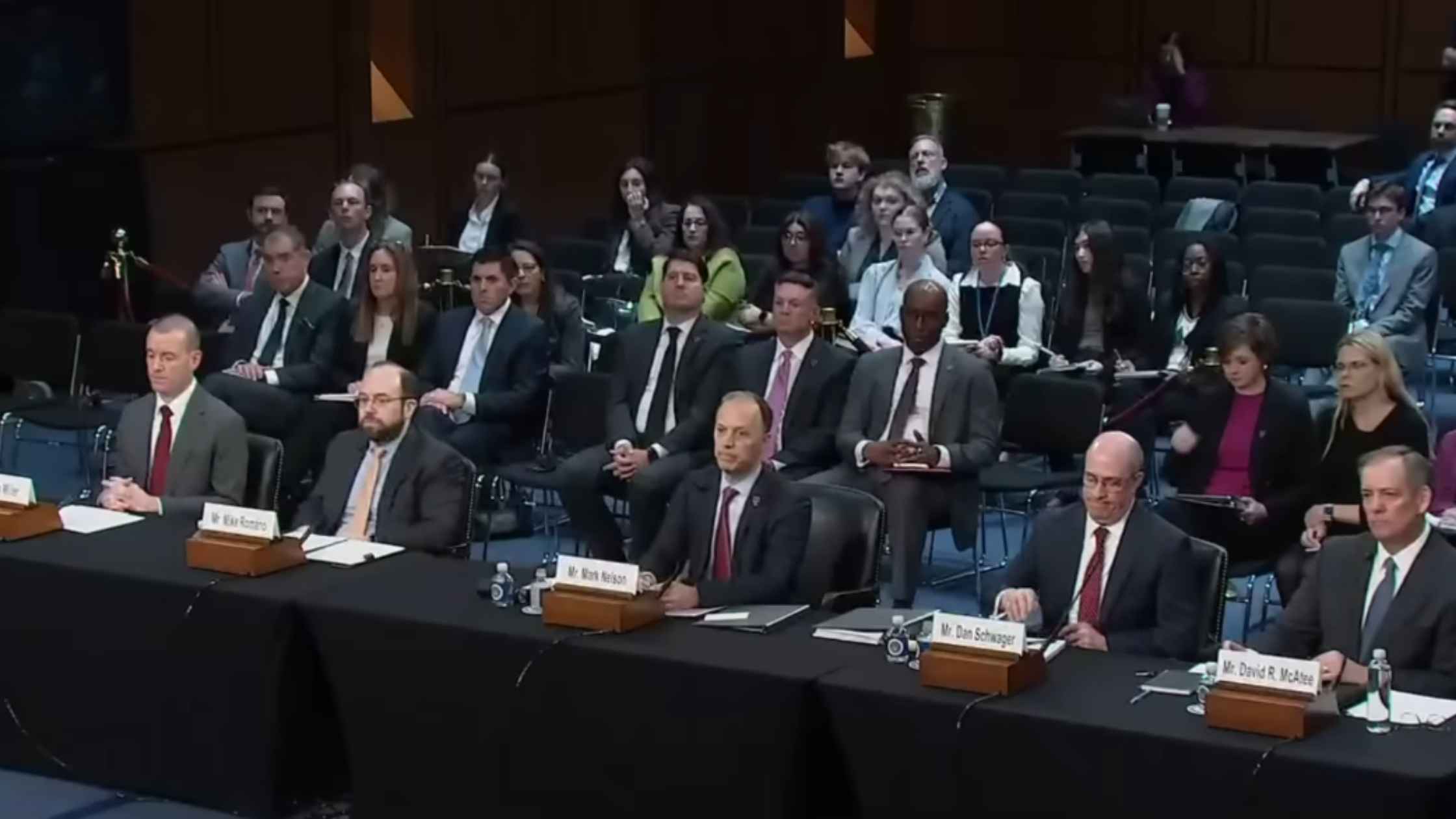
Arctic Frost Congressional Testimony
Telecom executives testify before the Judiciary Committee on Arctic Frost. Read the transcript here.

Karoline Leavitt White House Press Briefing on 2/10/26
Karoline Leavitt holds the White House Press Briefing for 2/10/26. Read the transcript here.

Epstein Survivors Press Conference
Epstein survivors and lawmakers hold a news conference. Read the transcript here.
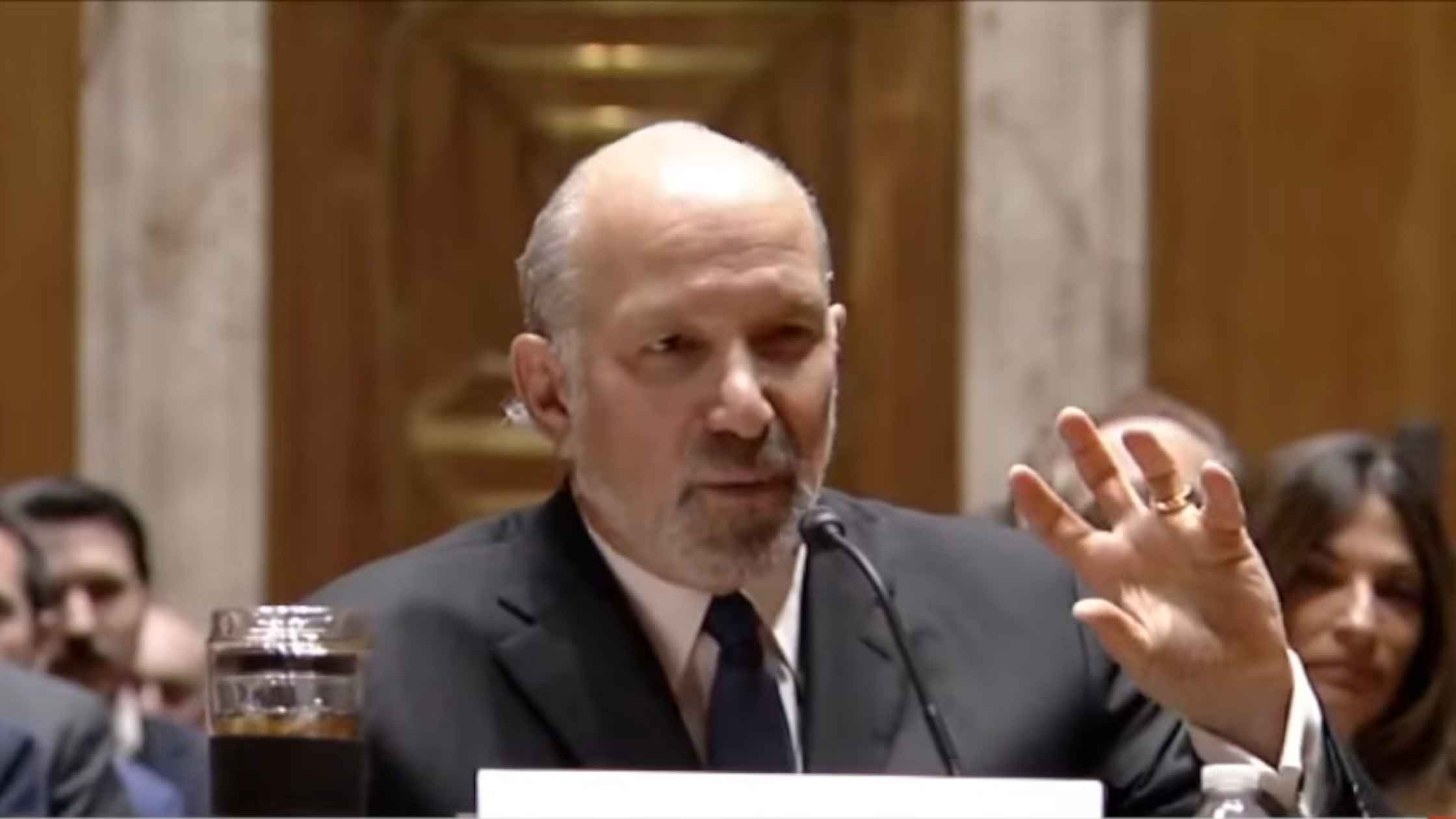
Lutnick Congressional Testimony
Commerce Secretary Howard Lutnick testifies before the Senate Appropriations Committee. Read the transcript here.

Hegseth at Bath Iron Works
Defense Secretary Pete Hegseth speaks at Bath Iron Works. Read the transcript here.

Democrat News Briefing 2/09/26
Hakeem Jeffries holds a Democrat news briefing on 2/09/26. Read the transcript here.
Subscribe to The Rev Blog
Sign up to get Rev content delivered straight to your inbox.