









Featured Posts
Most Recent

Extract Topics from Transcribed Speech with Node.js
Rev AI's Topic Extraction API identifies the main topics in a speech transcript. Learn how to get started with our guide.

Rev AI Expands Its Presence in the European Union
Rev AI has launched our very first European data processing center in Frankfurt, Germany, so customers can store and process data in the US or EU.

Get Started with Rev AI using PHP
To help developers integrate our APIs into their applications, we offer SDKs for Node, Java and Python. Learn more about how to use Rev AI with PHP.

Transcribe Audio with Automatic Language Identification using Node.js and Rev AI Webhooks
Learn how our AI webhooks and Node.js can help you transcribe audio with automatic language identification.
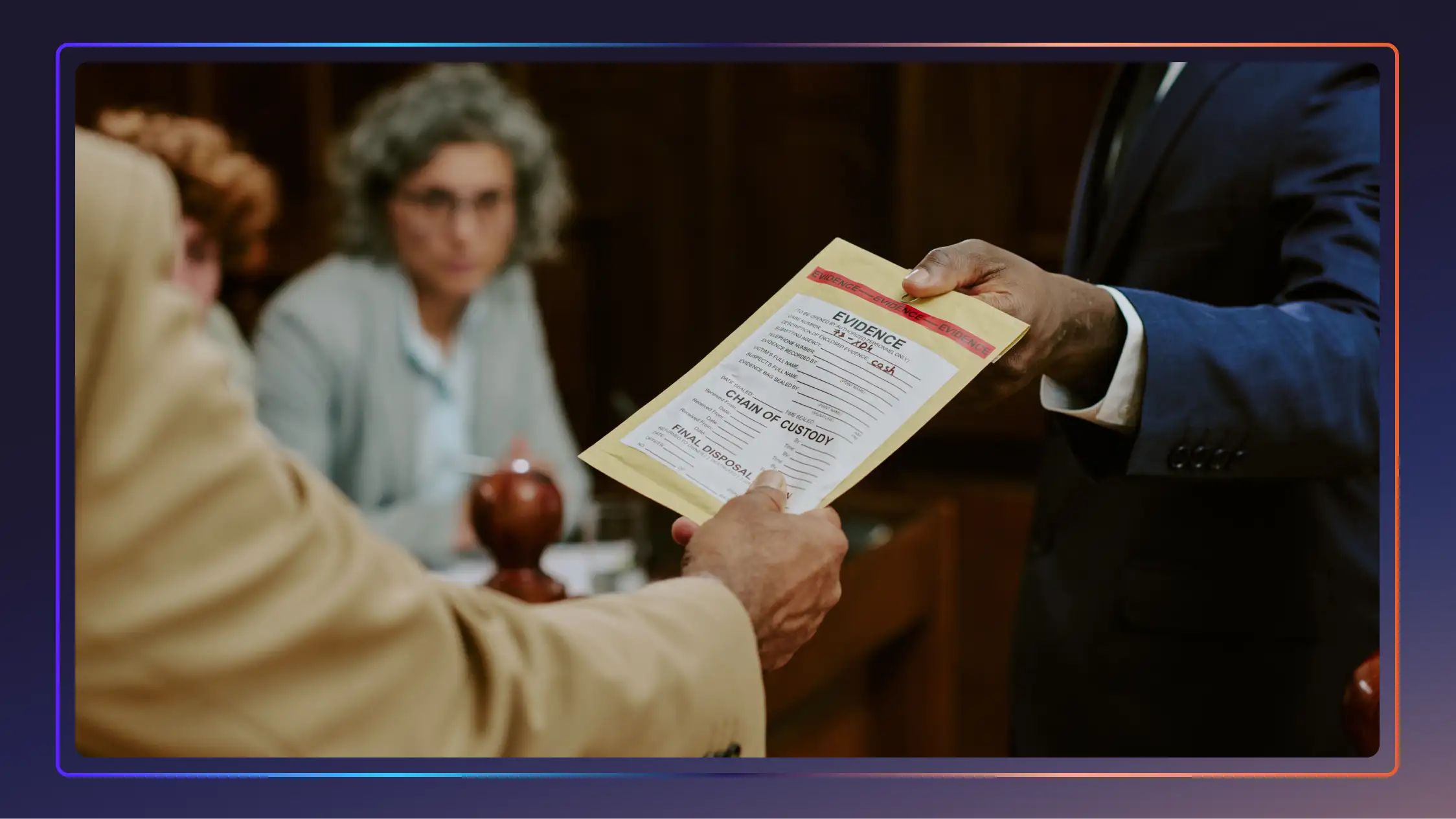
Overcoming Common Evidentiary Issues In Criminal Defense
Explore evidentiary problems, from hearsay to missing foundation, and how criminal defense teams challenge the prosecution under the Federal Rules of Evidence.

Reasonable Doubt: Definition, Burden, And Strategies
Understand what reasonable doubt means, the prosecution’s burden of proof, and how defense attorneys identify doubt in complex criminal trials.

Upgrade Police Evidence Management With Technology
Inefficient police evidence management isn't just a workflow issue—it's a barrier to justice. Luckily, technology is here to help. Click to learn more.
.webp)
Best Harvey AI Alternatives for Attorneys (+Accuracy Comps)
The best legal AI tools help attorneys address specific needs, optimize firm workflows, and improve client cases. See how these Harvey AI competitors compare.

Survey: 65% Use AI Legal Advice, But Accuracy Concerns Remain
New data reveals how Americans use AI for legal questions, why they still rely on lawyers, and what law firms can do now to build safer AI-ready workflows.

Heavy AI Users Face 3x More Hallucinations and Spend 10x Longer to Get Answers
Survey insights show heavy AI users face 3x more hallucinations, take 10x longer for satisfaction, and struggle most with AI prompting despite their experience.

85% Believe Prompting Will Be a Must-Have Job Skill in the AI Era
A new survey reveals Gen Z treats AI prompting as career prep, while employer training boosts efficiency 20%. See how generations approach this emerging job skill.

42 Criminal Justice Statistics for the United States
The American criminal justice system is vast and ever-changing, with technology and reforms being introduced every day. Let’s look at some key criminal justice data.
Microsoft Teams Transcription — Learn How to Get Started
Here’s Rev guide to getting a Microsoft Teams Transcription both in the Teams app and with Rev’s transcription service.
The Future of Law Whitepaper
Learn how AI can help solve the court reporter shortage crisis, slash transcription time, and unlock new revenue streams with Rev's new whitepaper.
How To Set Up and Find Your Google Meet Recording
Here’s Rev’s guide for setting up and finding your Google Meet recording. We also offer tips for screen recording your meeting.
How to Add Captions & Subtitles to Google Hangouts & Google Meet Recordings
Add even more value to every video. Learn how to add closed captions & subtitles to Google Hangouts & Google Meet recordings & meetings.

FBI Director Chris Wray Opening Statement
FBI Director Chris Wray testified on the January 6 Capitol Attack on March 2, 2021. He called the attack an act of domestic terrorism. Read the transcript of the full opening statement speech here.

Josh Hawley Questions FBI Director Chris Wray on Geolocation Data to Track Capitol Rioters Transcript
Sen. Josh Hawley questioned FBI Director Chris Wray on the use of geolocation data to track the rioters at the US Capitol on January 6. Read the transcript of their remarks during the congressional hearing on March 2, 2021.

FBI Director Christopher Wray Testifies on Capitol Attack: Full Hearing Transcript
FBI Director Christopher Wray testified before the Senate on March 2, 2021 on the January 6 riot at the US Capitol and domestic terrorism. Read the transcript of the full hearing below.

Kristi Noem CPAC 2021 Speech Transcript
South Dakota Governor Kristi Noem gave a speech at CPAC 2021 in which she criticized Dr. Fauci and the Biden administration. Read the transcript here.

Donald Trump CPAC 2021 Speech Transcript
Former President Donald Trump spoke at CPAC on February 28, 2021. It was his first public address since leaving office. Read the transcript of his full speech remarks here.

Robert Unanue, CEO of Goya Foods, Speech Transcript CPAC 2021
Robert Unanue, owner of Goya Foods spoke at CPAC 2021. He said Donald Trump is “still the actual president of the United States.” Read the transcript of his speech here.
Subscribe to The Rev Blog
Sign up to get Rev content delivered straight to your inbox.